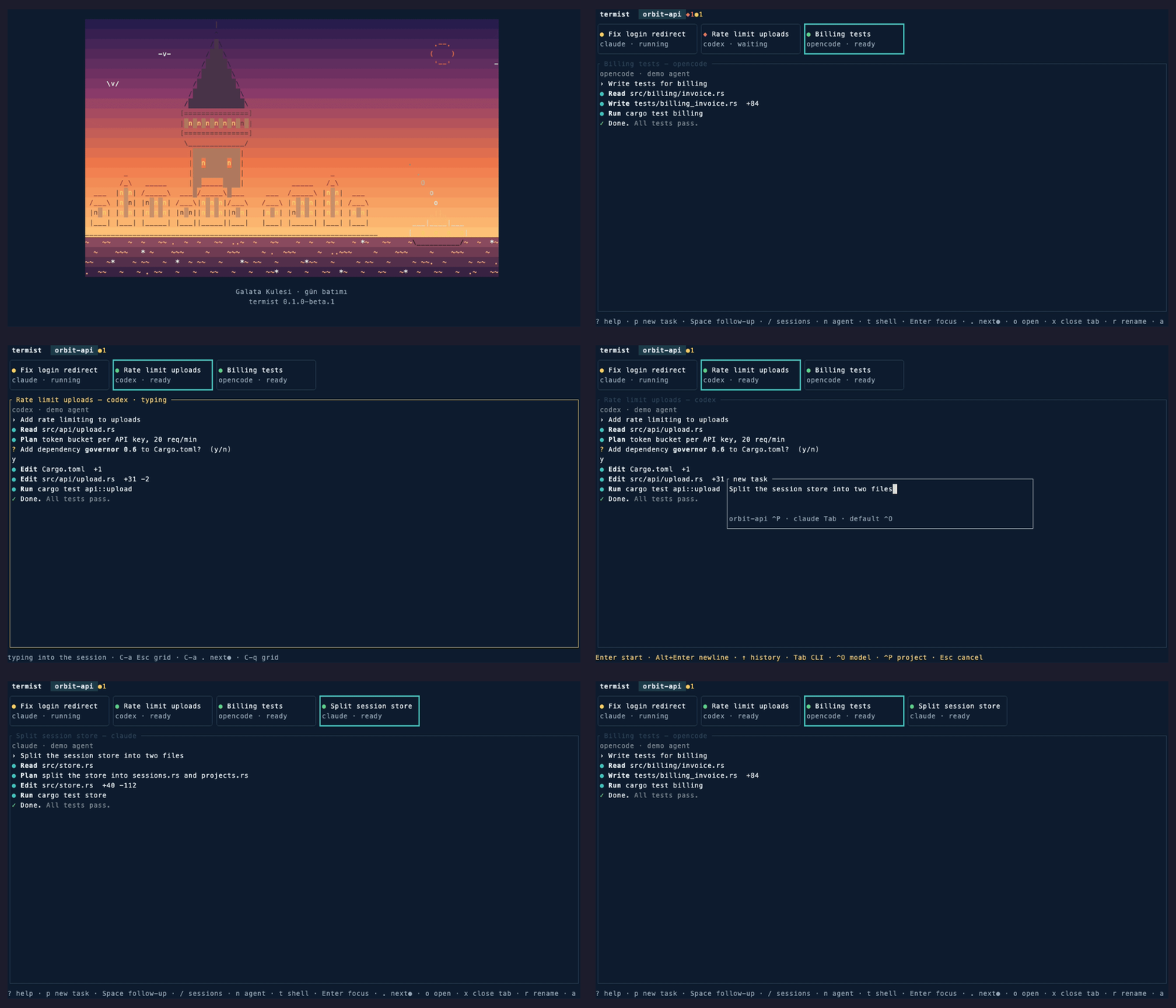
Then open a terminal in a project and run termist. It uses the agent CLIs you already have installed, and never writes into your repositories or their config.
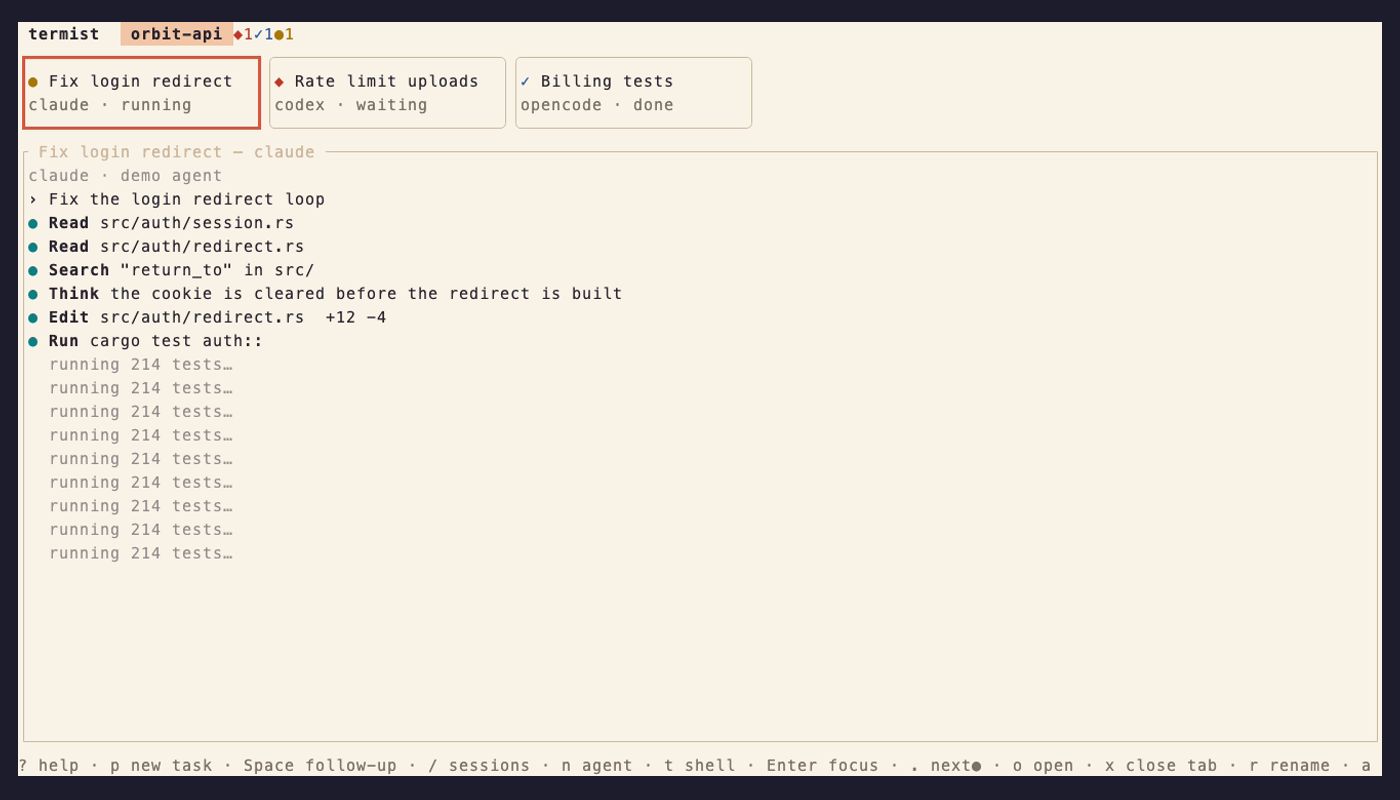
Three agents at work. . jumps to the one waiting for you, p starts a new task, / finds any session.
New in the beta
termist gets its look and its voice. Everything below came with v0.1.0-beta.1.
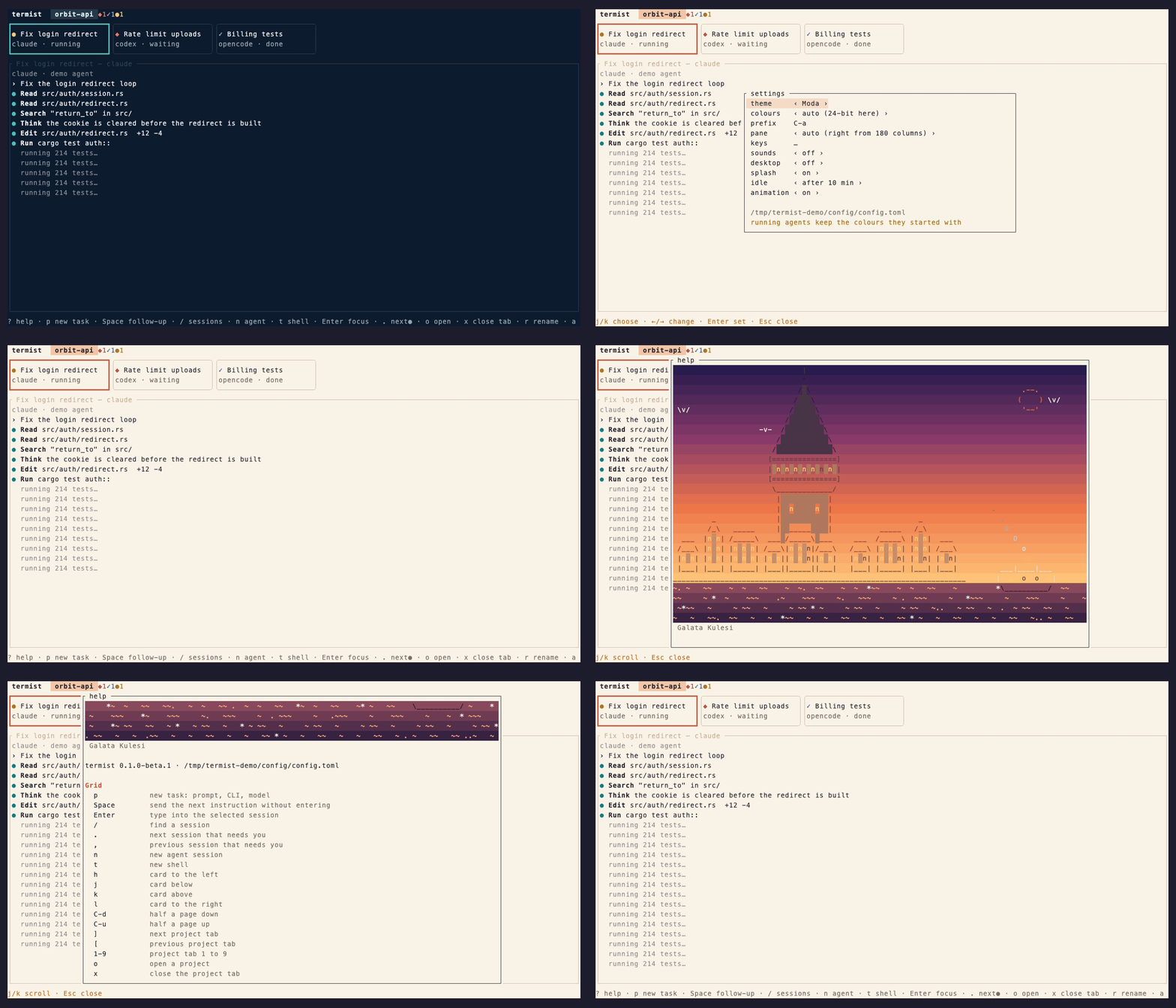
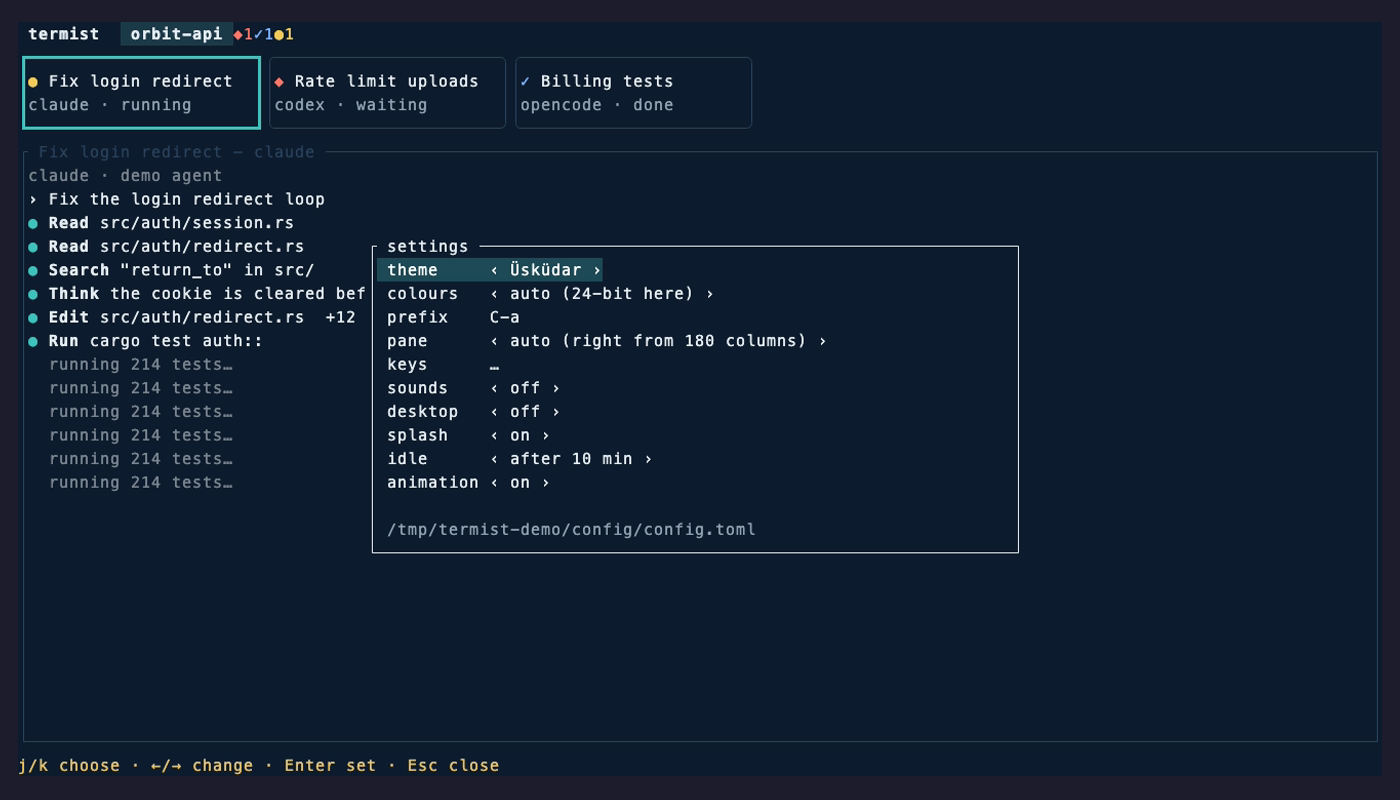
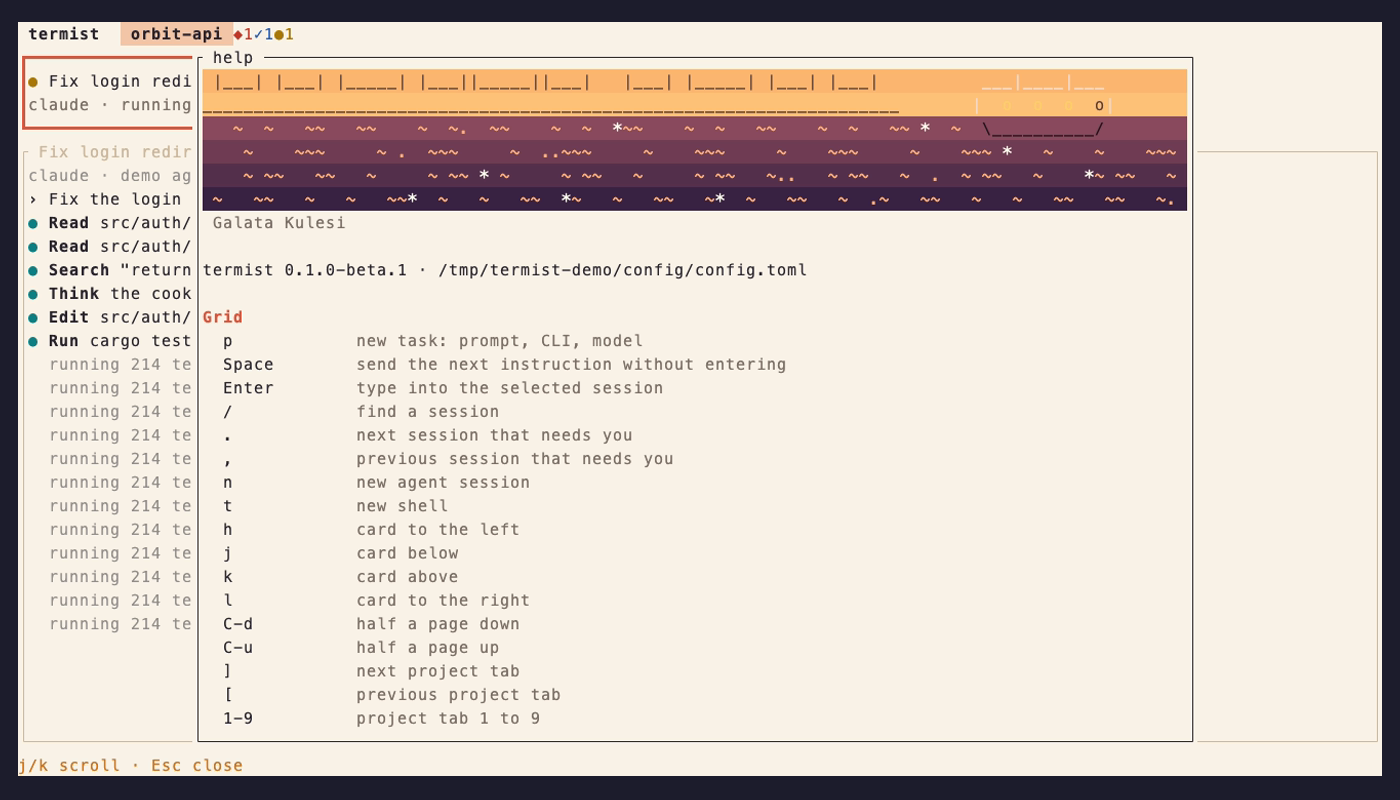
The theme changes from the settings (s) and the whole screen follows at once. The help (?) lists every key as it is bound now.
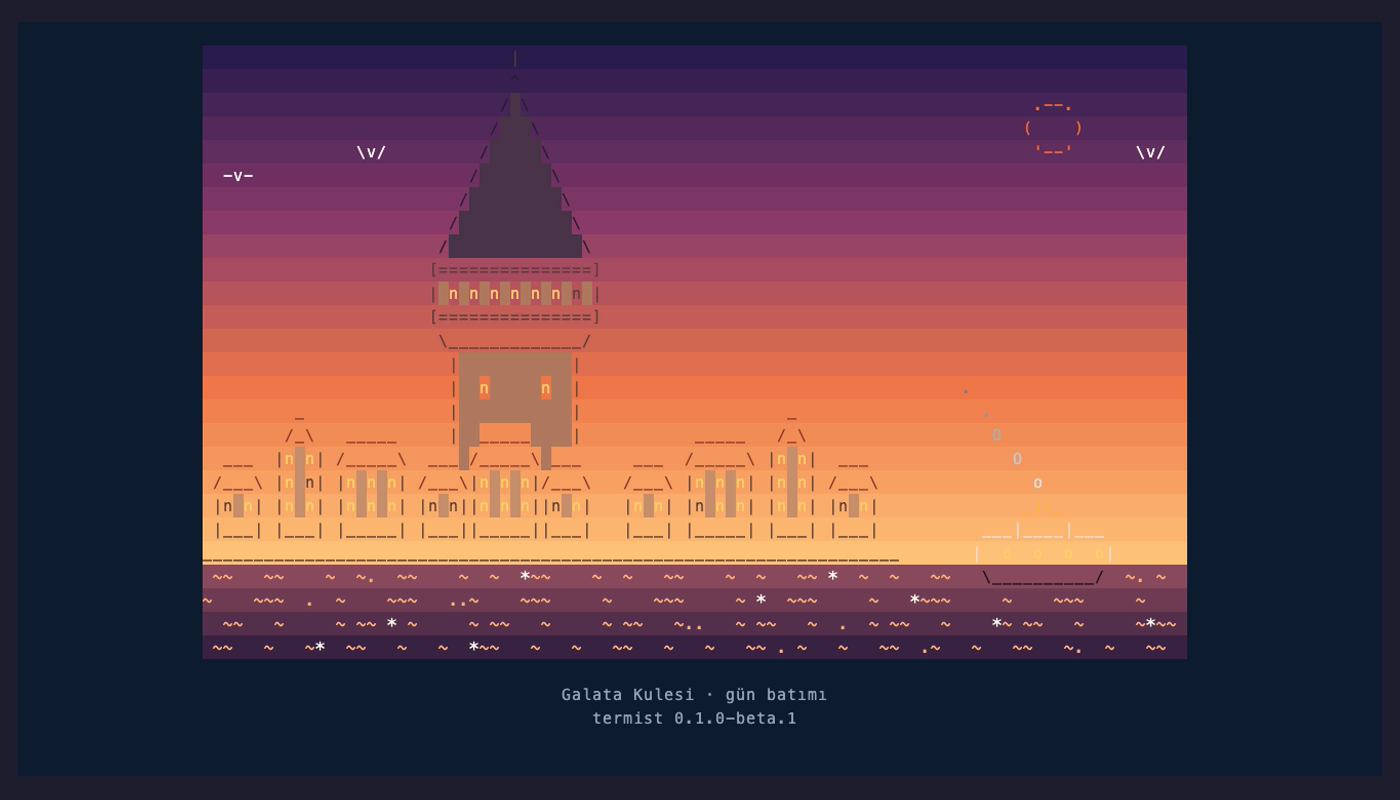
Istanbul scenes. Galata, Kız Kulesi, Ayasofya, the Bosphorus Bridge, a vapur and the Basilica Cistern, in the colours of the hour. They show at start, on an empty grid and when you have been away a while.Settings, from inside. Theme, colours, prefix, where the pane goes, and every key of the grid and of focus mode. Changes are saved to config.toml, and your comments in it are kept.Themes. Üsküdar is dark and the default, Moda is light, and the terminal theme keeps your terminal's own colours. Agents are told the colours termist draws them with, so they pick a light look on Moda.Help.? lists every key as it is bound now, with a scene at the top.
Sounds and desktop notifications when an agent waits for you or is done, the notifications only while the terminal is not in front. Ghostty, WezTerm, kitty, iTerm2 and others, through tmux too.
The pane goes to the right of the cards from 180 columns.
termist update installs the newest release over the one you have, and termist update --check only looks.
Every session is a card with a dot
●Running. The agent is working; leave it.
◆Waiting for you: a permission or a question. . takes you straight there, from any project.
✓Done, and you have not looked yet.
●Done and seen, ready for the next instruction.
○Not running, for instance after a reboot. Enter resumes the same conversation.
The dots come from each agent's own hooks, so they change the moment the agent does.
What you get
Agents keep running when you close the window. A small daemon owns every session; the TUI just attaches to it.
Start a task without leaving the grid: p, type the prompt, pick the agent with Tab and the model with ^O.
Send the next instruction to a finished agent with Space, without opening its terminal.
Projects as tabs, cards that scroll, rename and archive, and a real terminal for each agent when you want to type into it.